Steps
Access Developer Portal
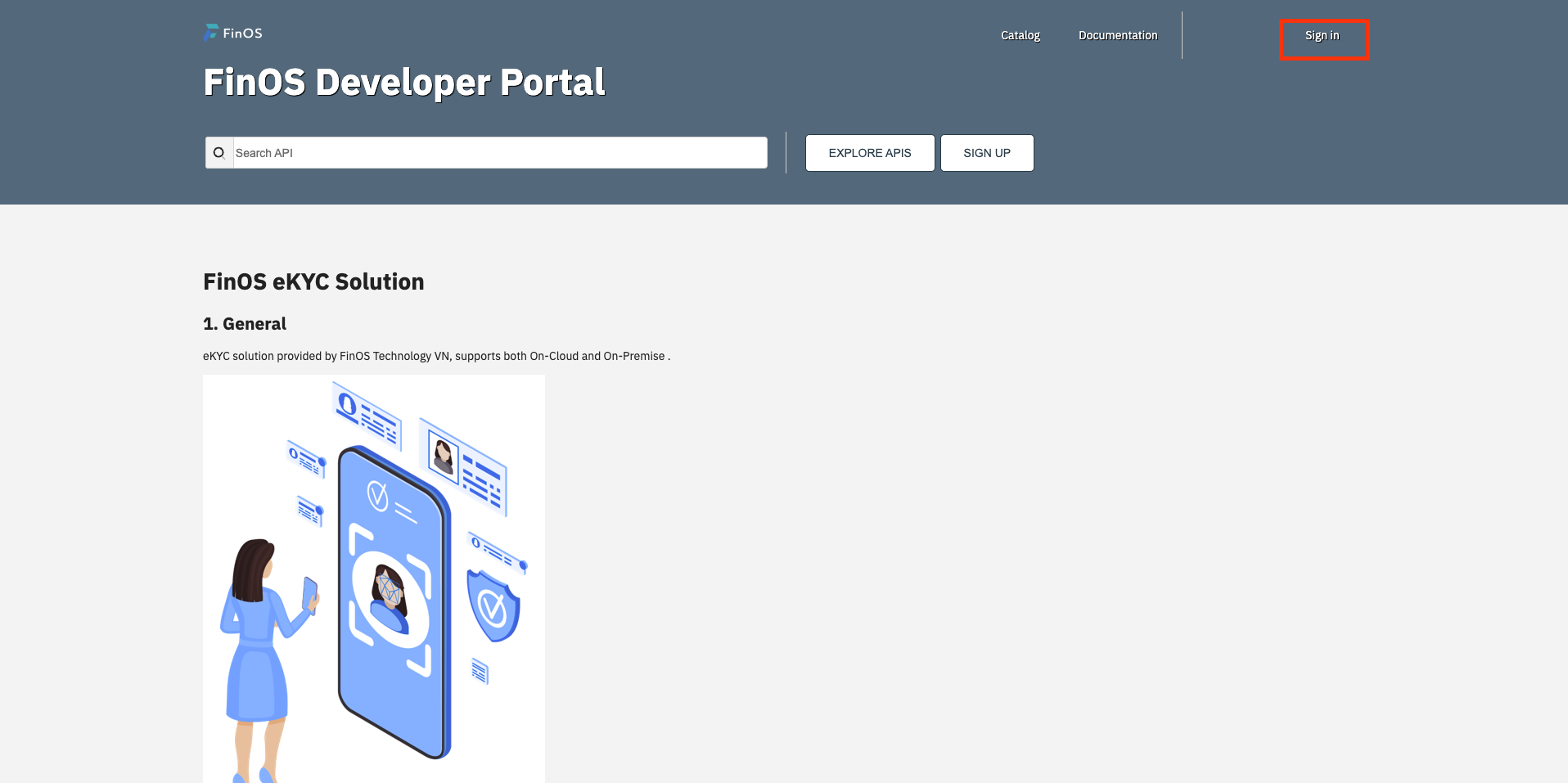
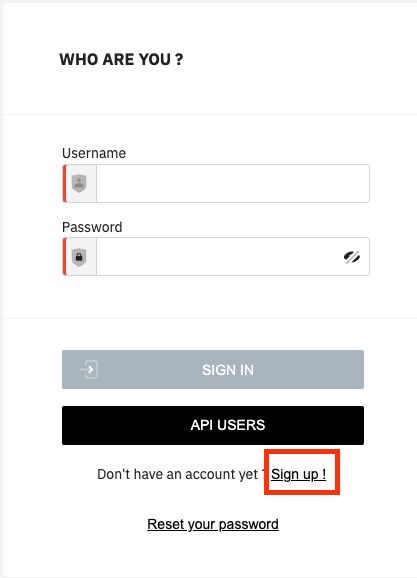
Click on Sign in. At Screen Sign In click [Sign Up]
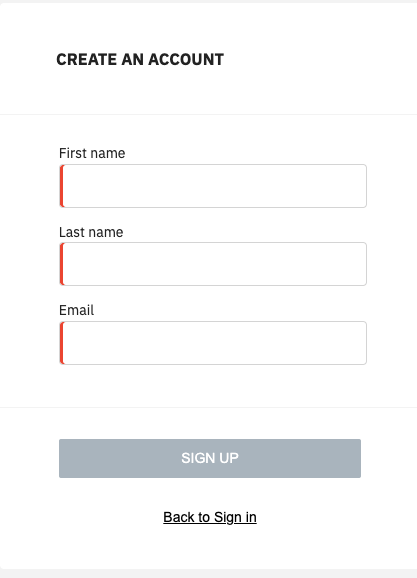
At screen Sign Up, fill all info and click [SIGN UP]
An email confirmation will be sent to email registered
Click on link on email and fill passport & addition info for finishing register
Steps
Login by account User
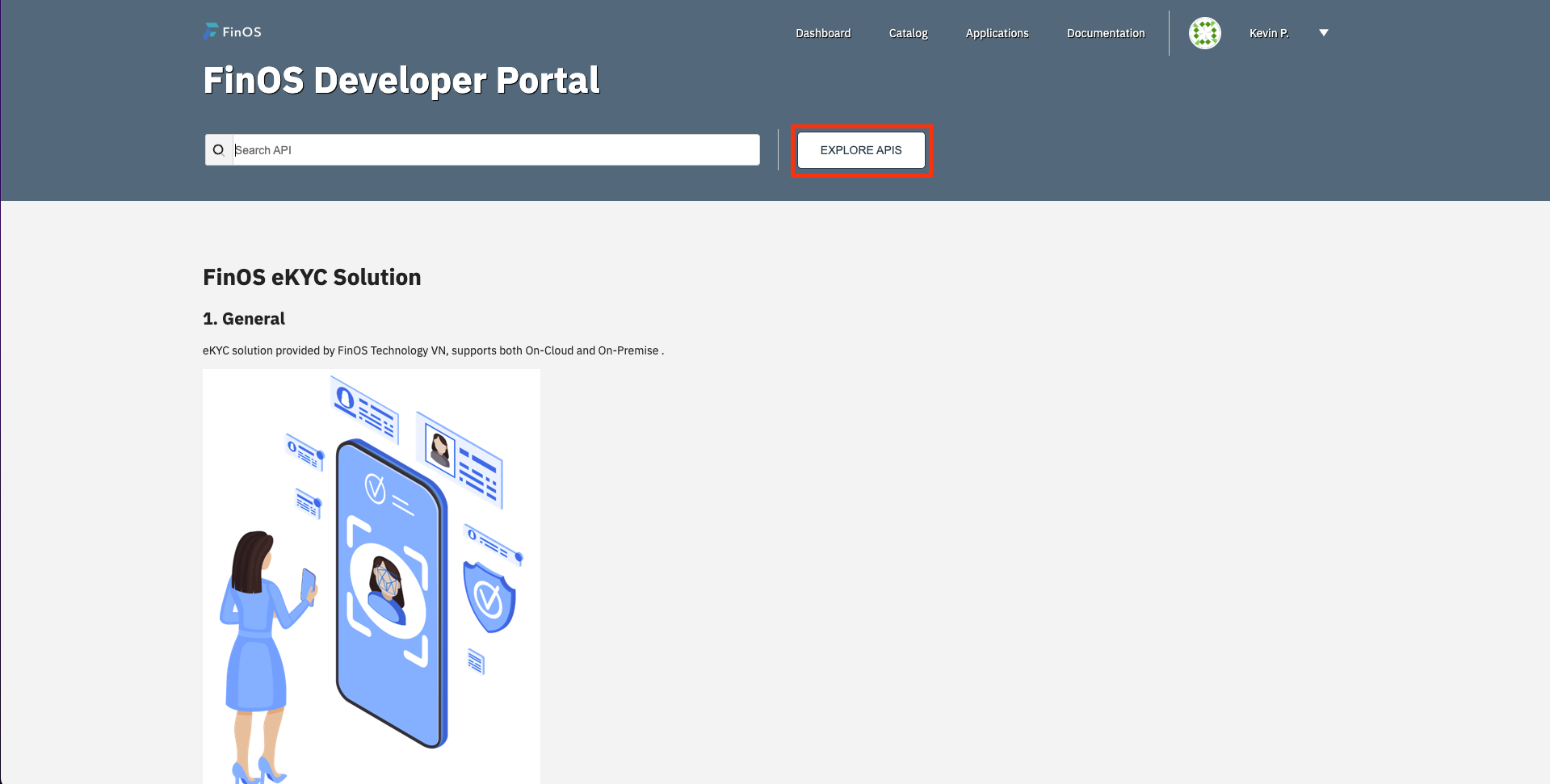
At home screen, click on Search API
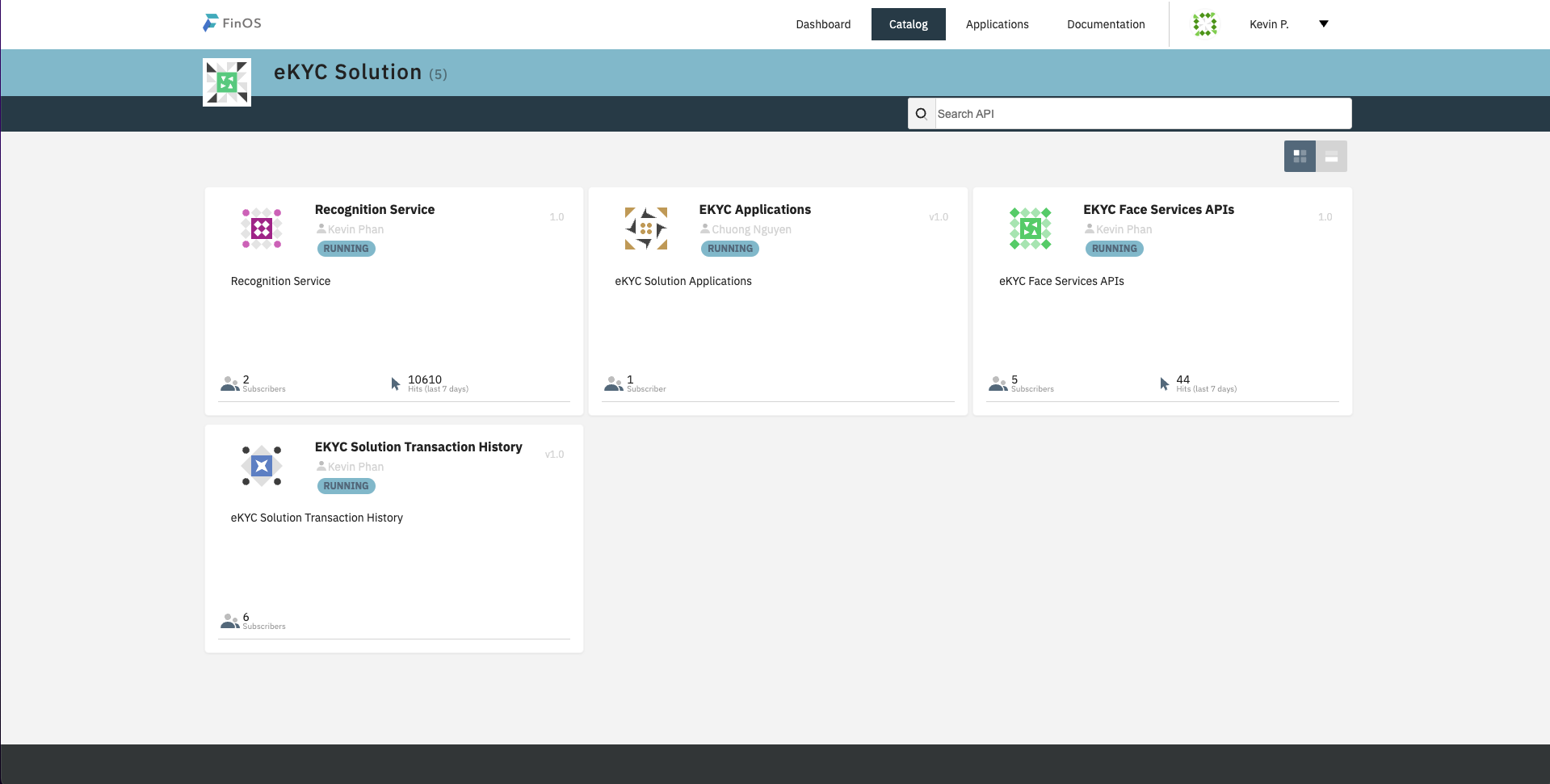
At screen API list, choose API want to subscribe
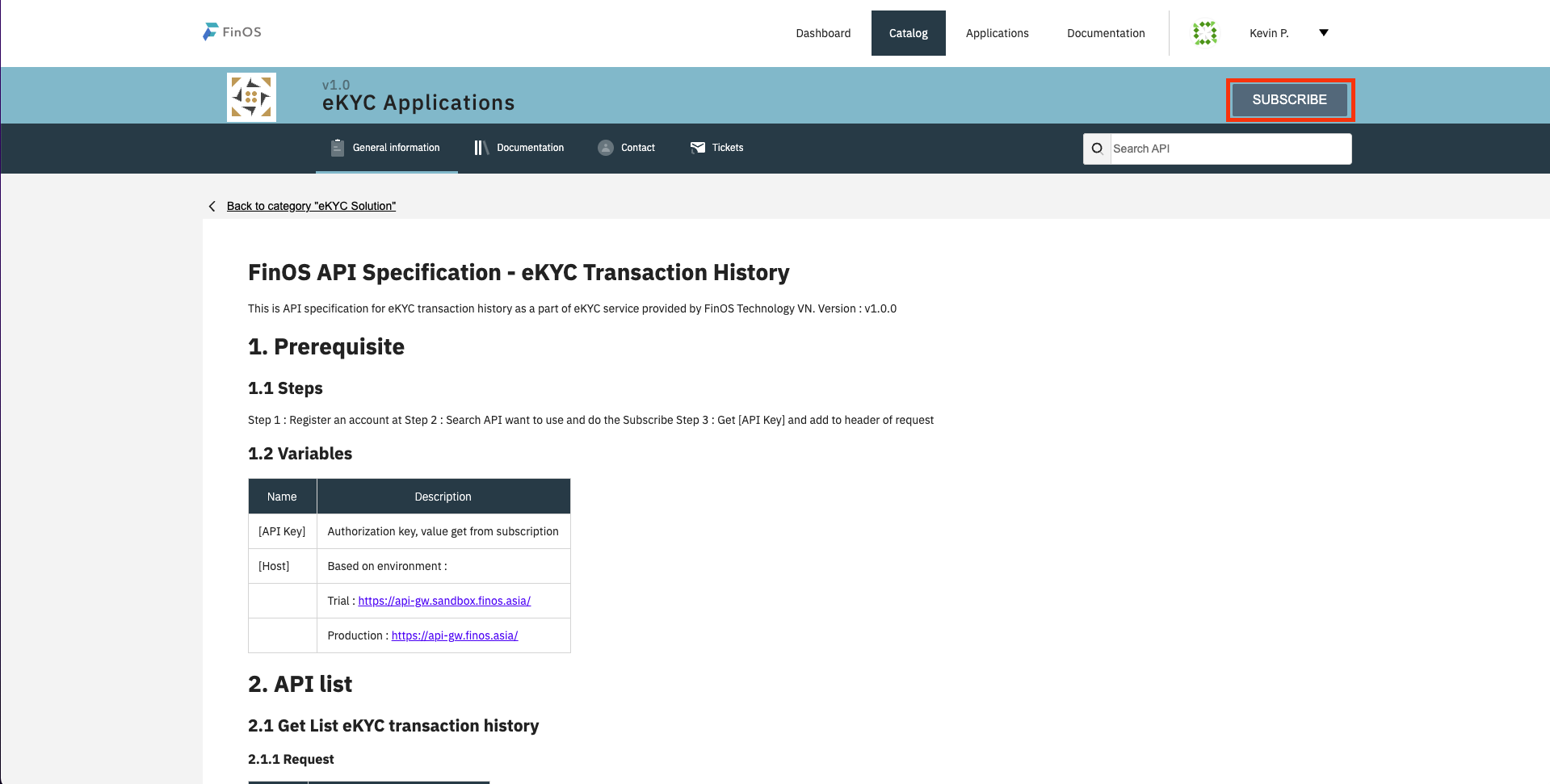
At API details page, click button [Subscribe]
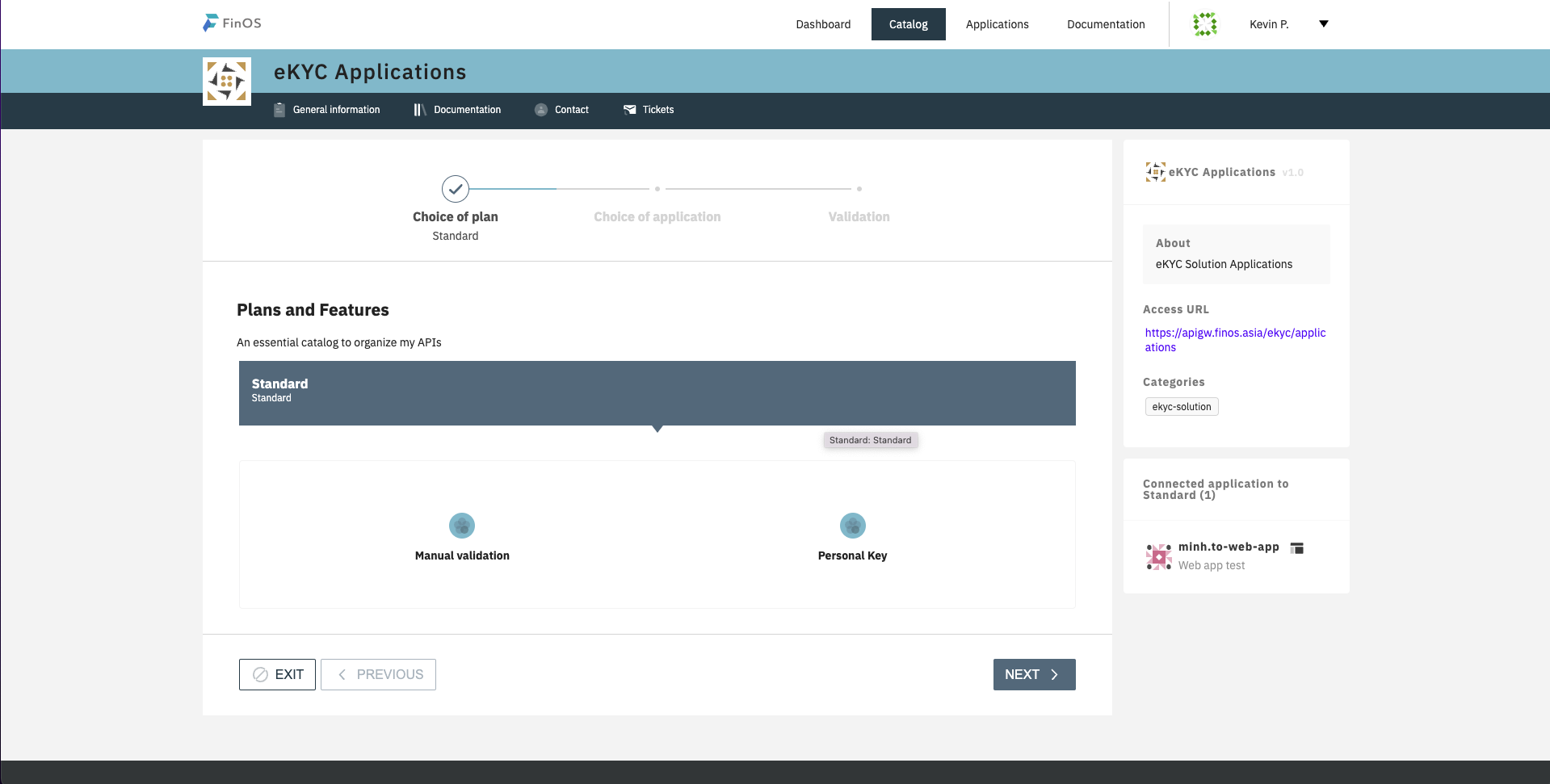
Choose Plan & click button [Next]
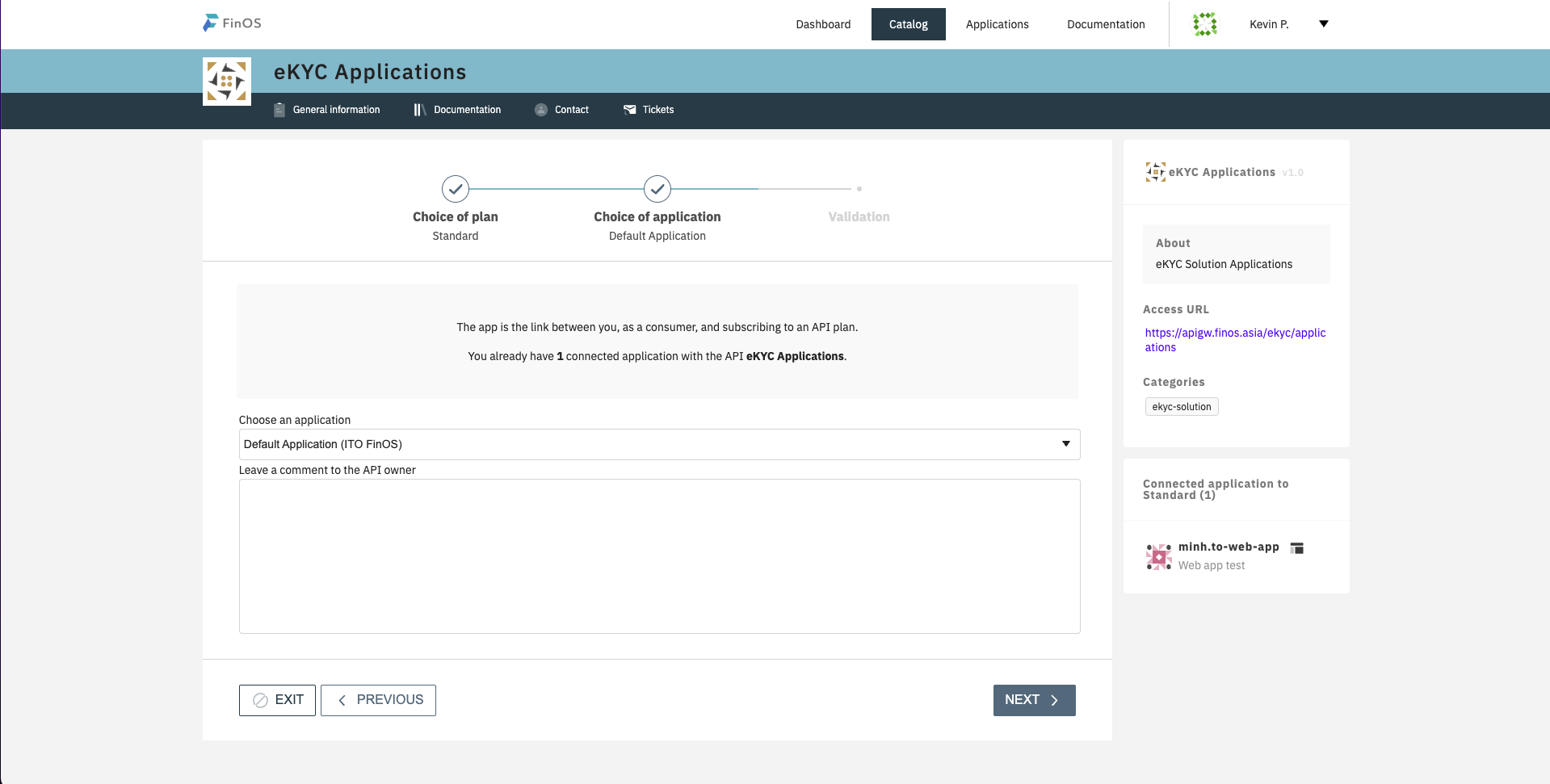
Choose application & click [Next]
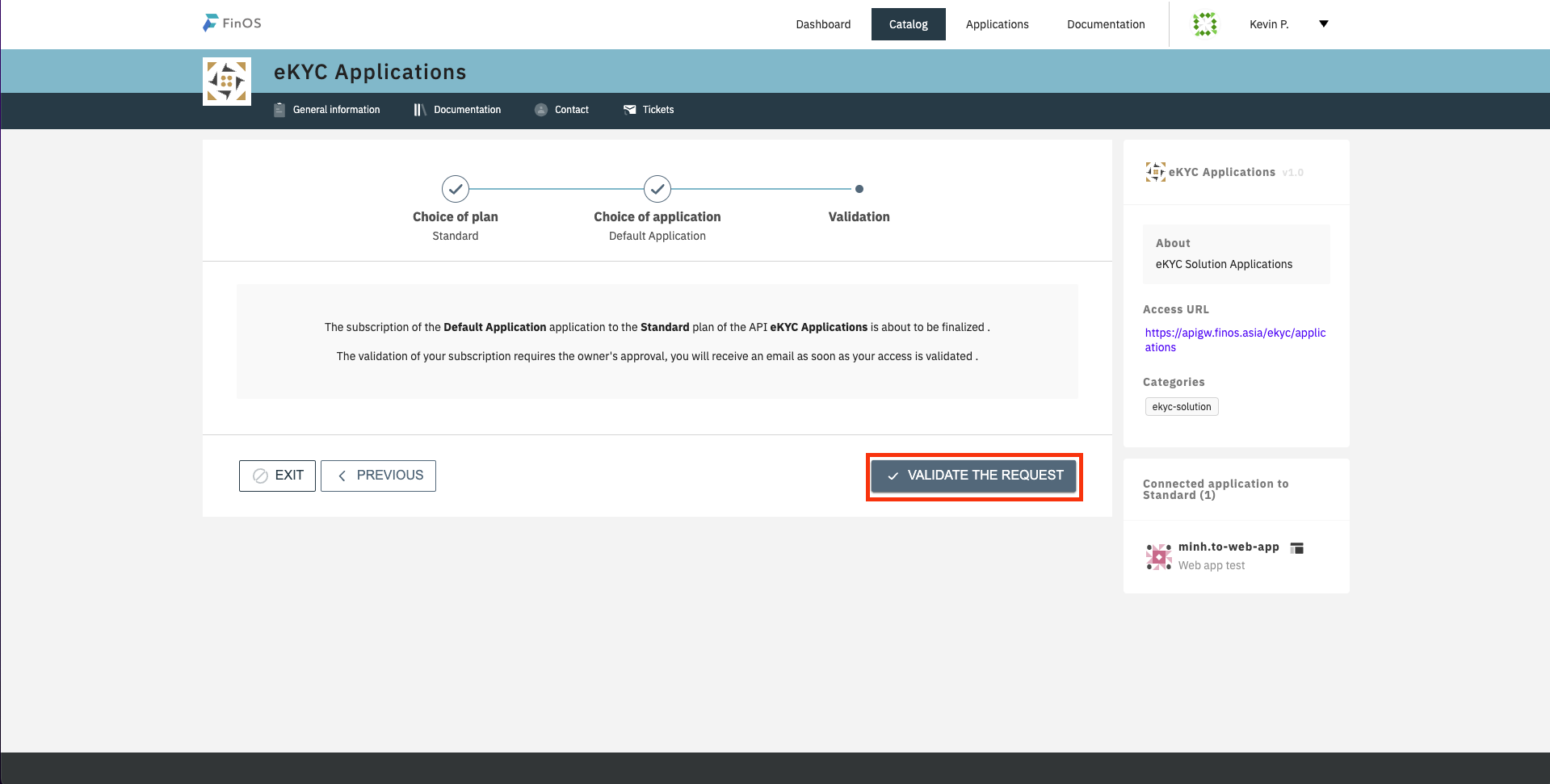
At step Validation, click button [Validate The Request] and wait for approval from Admin (if API configured require approve step)
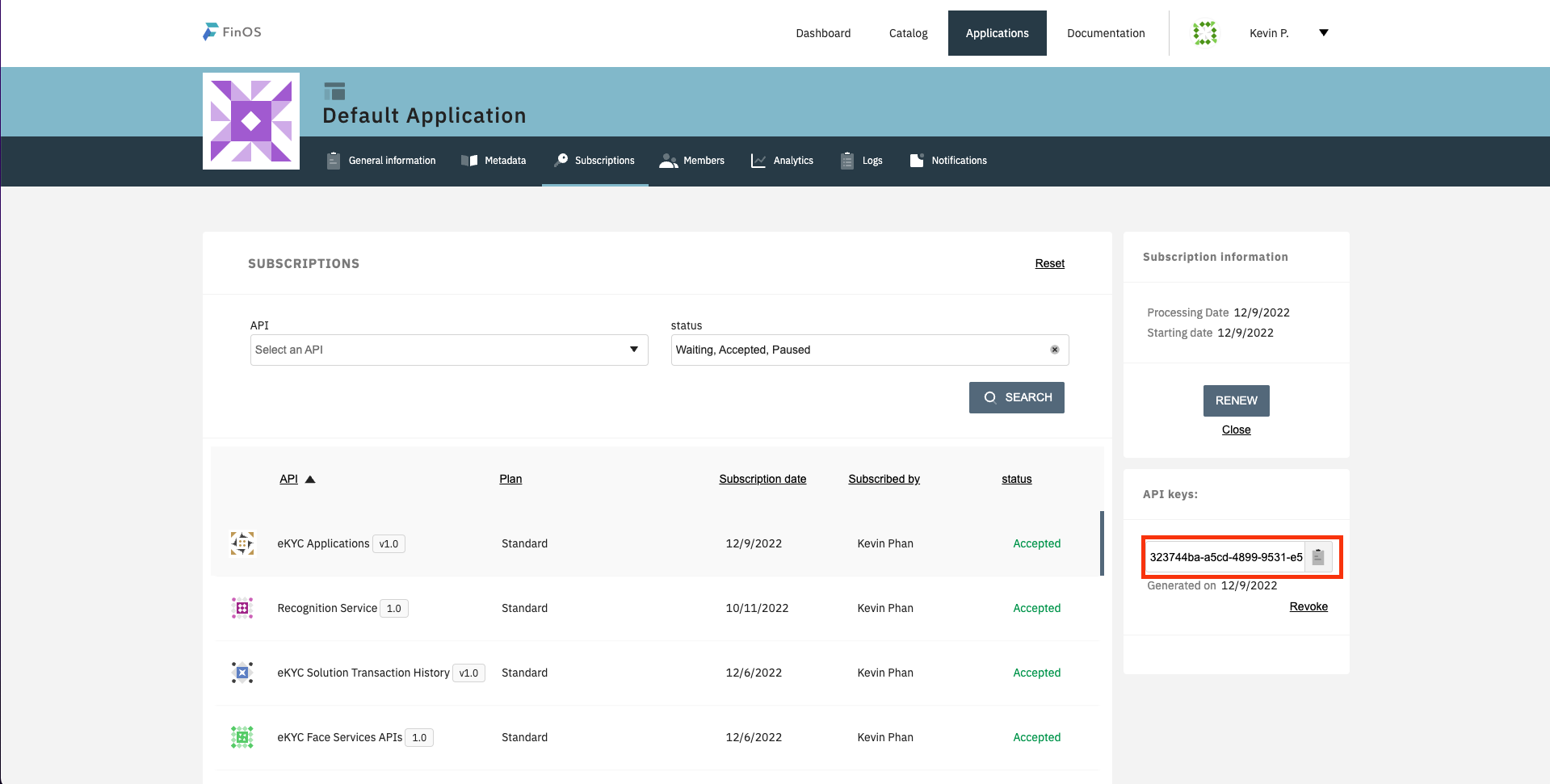
After approved, go to page Applications , select API and get API Key
Steps
Login by account User
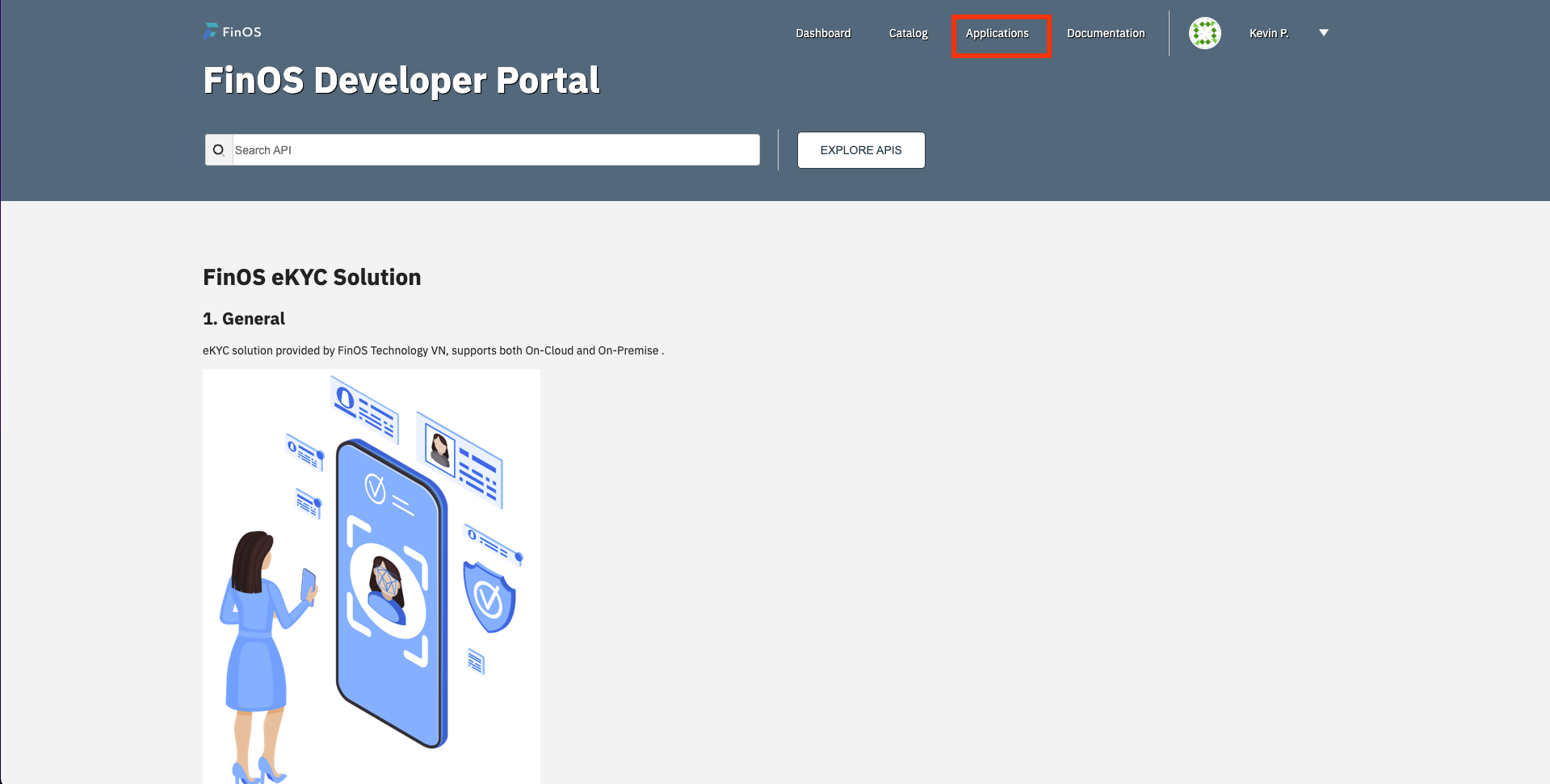
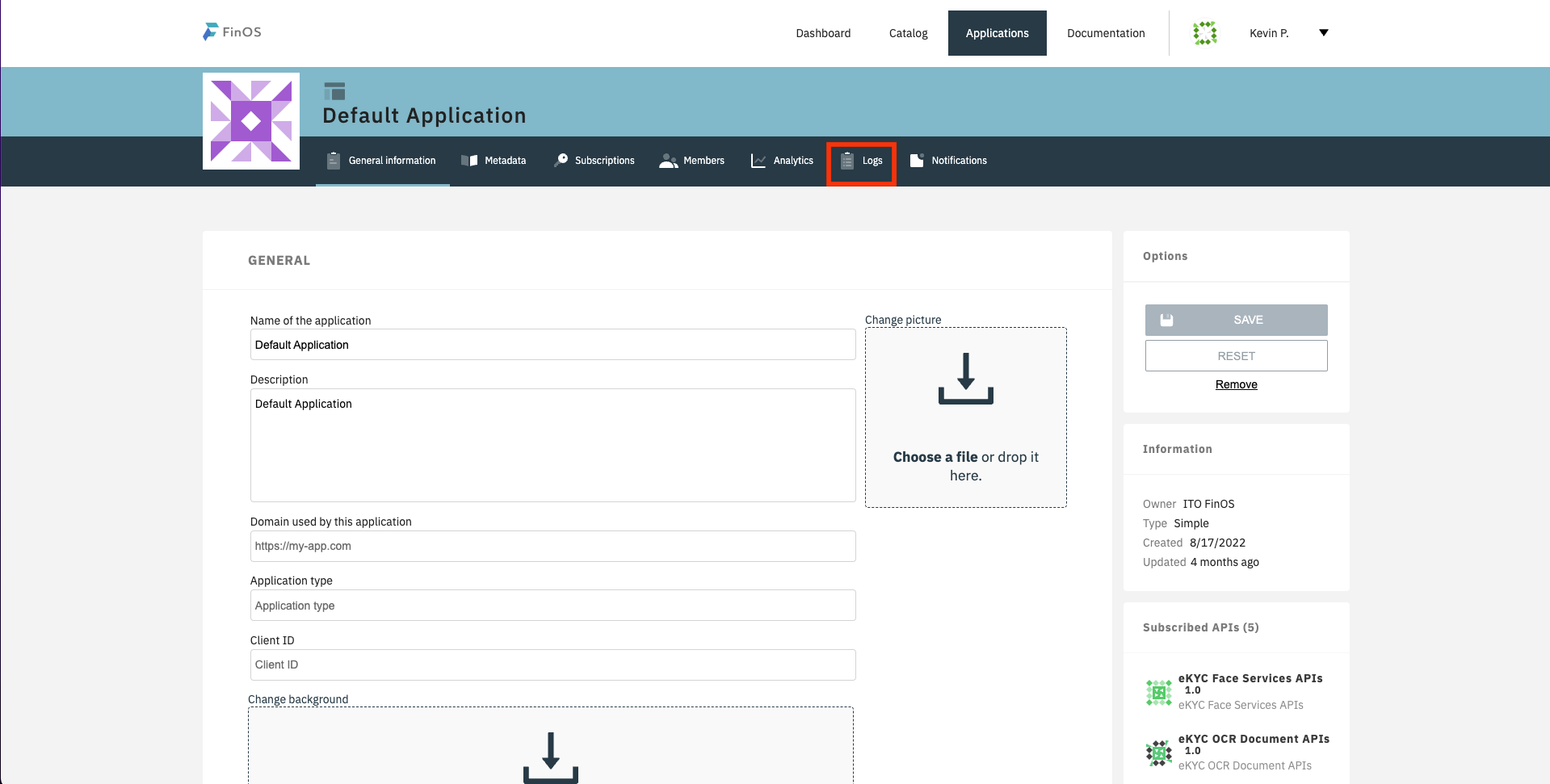
At home screen, click on menu [Applications]
Select Application and go to Application Details, click on menu [Logs]
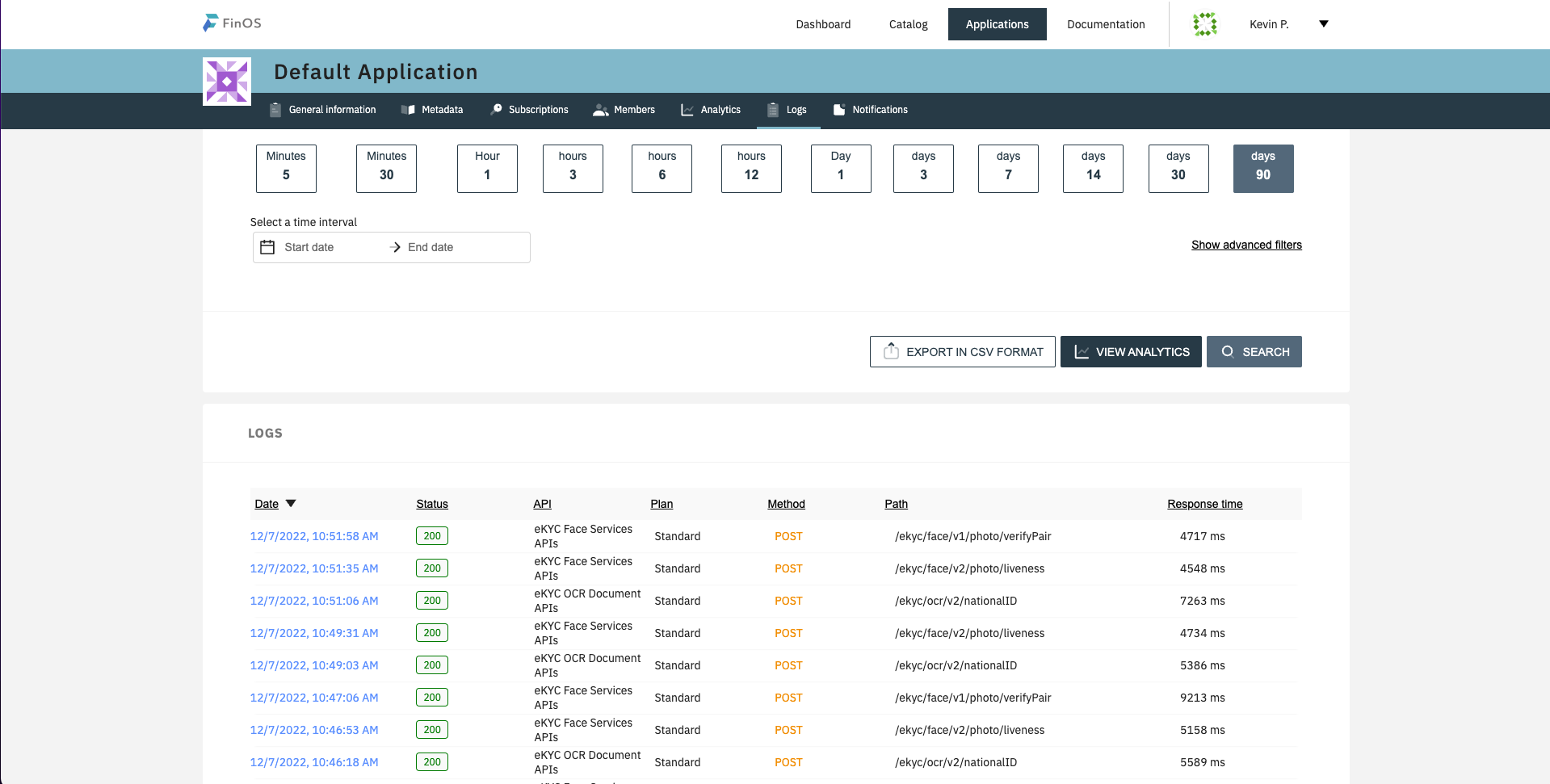
Filter by date and list transaction request will display